Grin-Bit
A downloadable game for Windows and macOS
Love classics like Pac-Man?
GrinBit is my modern-day spin on that legendary arcade vibe.
Meet GrinBit, a little green trouble-magnet who just wants to collect his tokens and enjoy his snacks in peace.
Unfortunately for him, the four elemental spirits of the world have other plans…
Objective & Gameplay:
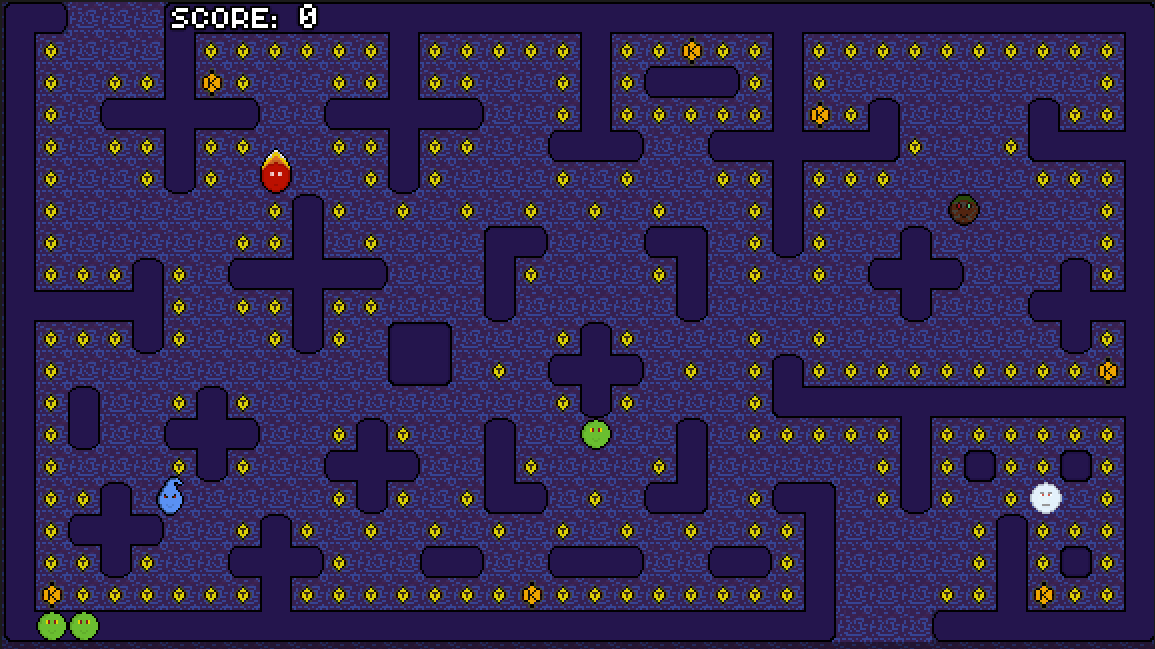
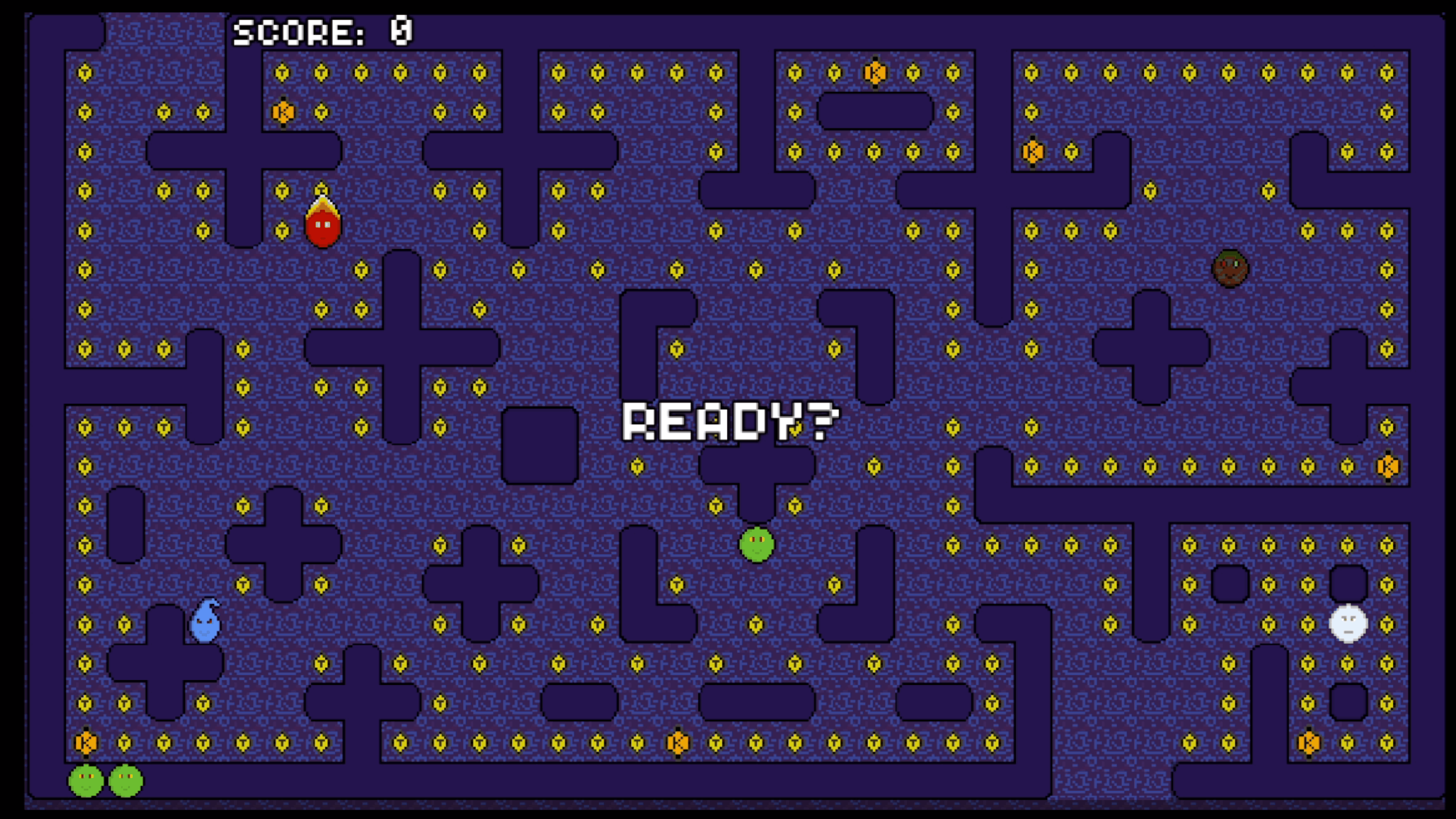
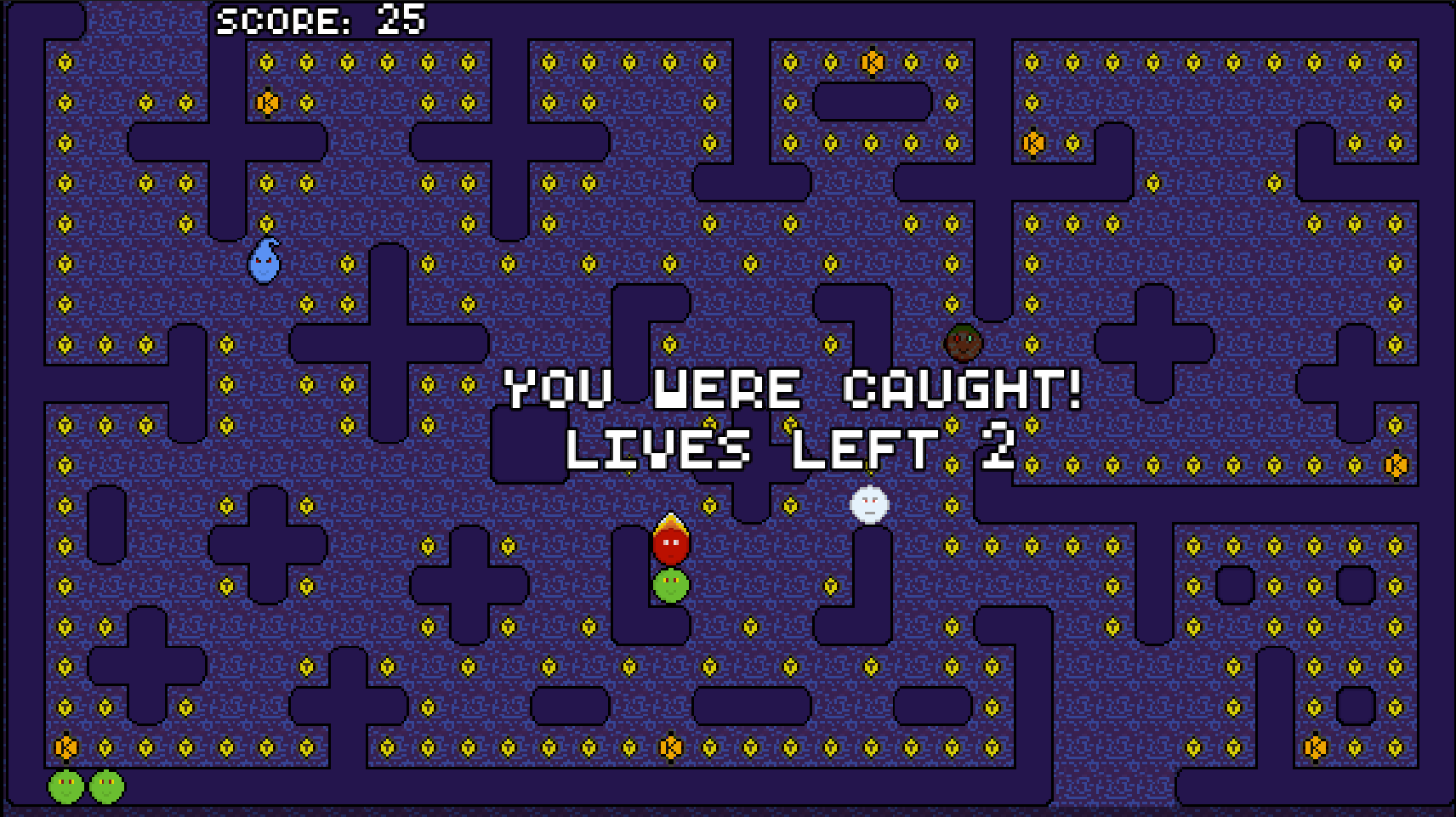
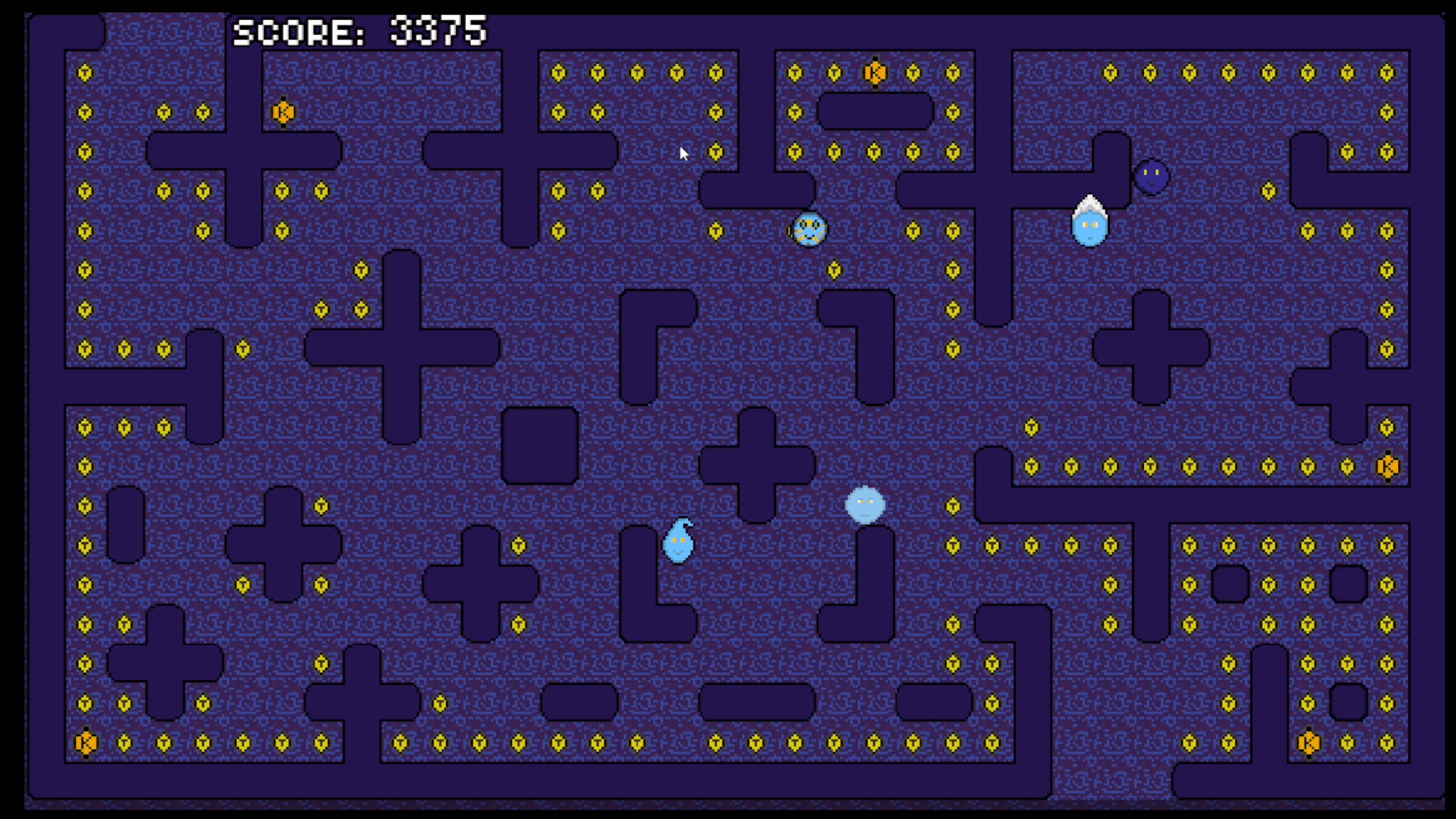
Collect every item on the map to rack up points and clear the level — all while avoiding the elemental enemies hunting you down.
Movement has been refined to feel smoother and more true to classic arcade-style gameplay, giving you tighter control in every situation.
Power Tokens
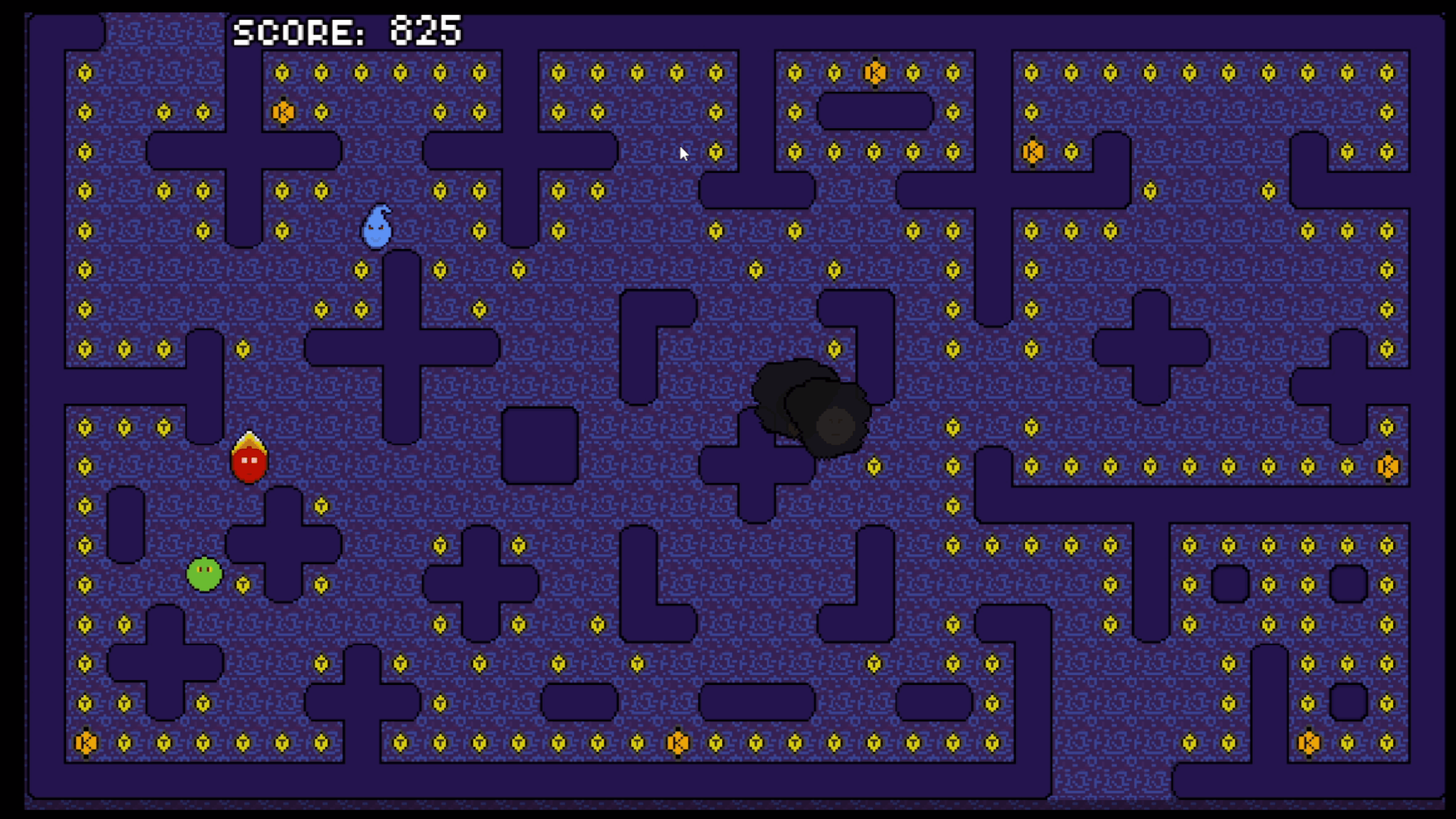
Grab the big ‘K’ tokens to temporarily flip the tables. You’ll gain a power-up that allows GrinBit to absorb enemies for bonus points.
A combo-style scoring system rewards you for chaining enemy captures during this mode — the more you collect, the higher your score climbs. Timing is everything!
Teleport Tunnels
Use the map’s outer openings to warp instantly across the board to escape danger or outmaneuver enemies.
My Feature/Twist : Fight Mode
Elements can now interact with each other in Fight Mode, creating unpredictable moments where they clash instead of focusing only on you. Use this to your advantage!
The Elements/Your Enemies
Each has its own personality and behavior style:
- Pyro (Fire) – The most aggressive of the crew
- Drizzl (Water) – Aggressive, but absent-minded—may forget what he’s doing and wander off
- Grumbl (Earth) – Slow but territorial. Enter his zone, and he will chase you down (keep an eye on him)
- Whispr (Air) – Tries to cut you off, but can get skittish and roam unpredictably
Polish & Additions
- Refined Grinbit movement
- All 10 Levels Completed
- Additional point item collection visuals added
This Will Be The Official Game Of GrinBit,
Hope You Enjoy My Game! I Wish You Well In Your Endeavors!
Download
Install instructions
Windows
-
Click & Download the file for Windows from this page.
-
Once the download finishes You Are Ready To Play.
-
Double Click or Right Click Open On The executable file.
-
If Windows shows a warning (“Windows protected your PC”), click:
More info → Run anyway.
macOS
-
Download the Mac version of the game (ZIP).
-
When download completes, double-click the ZIP to extract it.
-
Open the extracted folder.
-
Try launching the app by double-clicking Grin-Bit
.app. -
If macOS blocks it (“app can’t be opened because it is from an unidentified developer”):
-
Open System Settings
-
Go to Privacy & Security
-
Scroll down to the message about the game
-
Click “Open Anyway”
-
-
Open the app again, and it should launch normally.
Development log
- Version 0.5Apr 23, 2026
Comments
Log in with itch.io to leave a comment.
Is 5,025 good? :)
any thing above 0 I would consider good 😂💯 good stuff tho appreciate you playing 🙏🏾